
Key Features
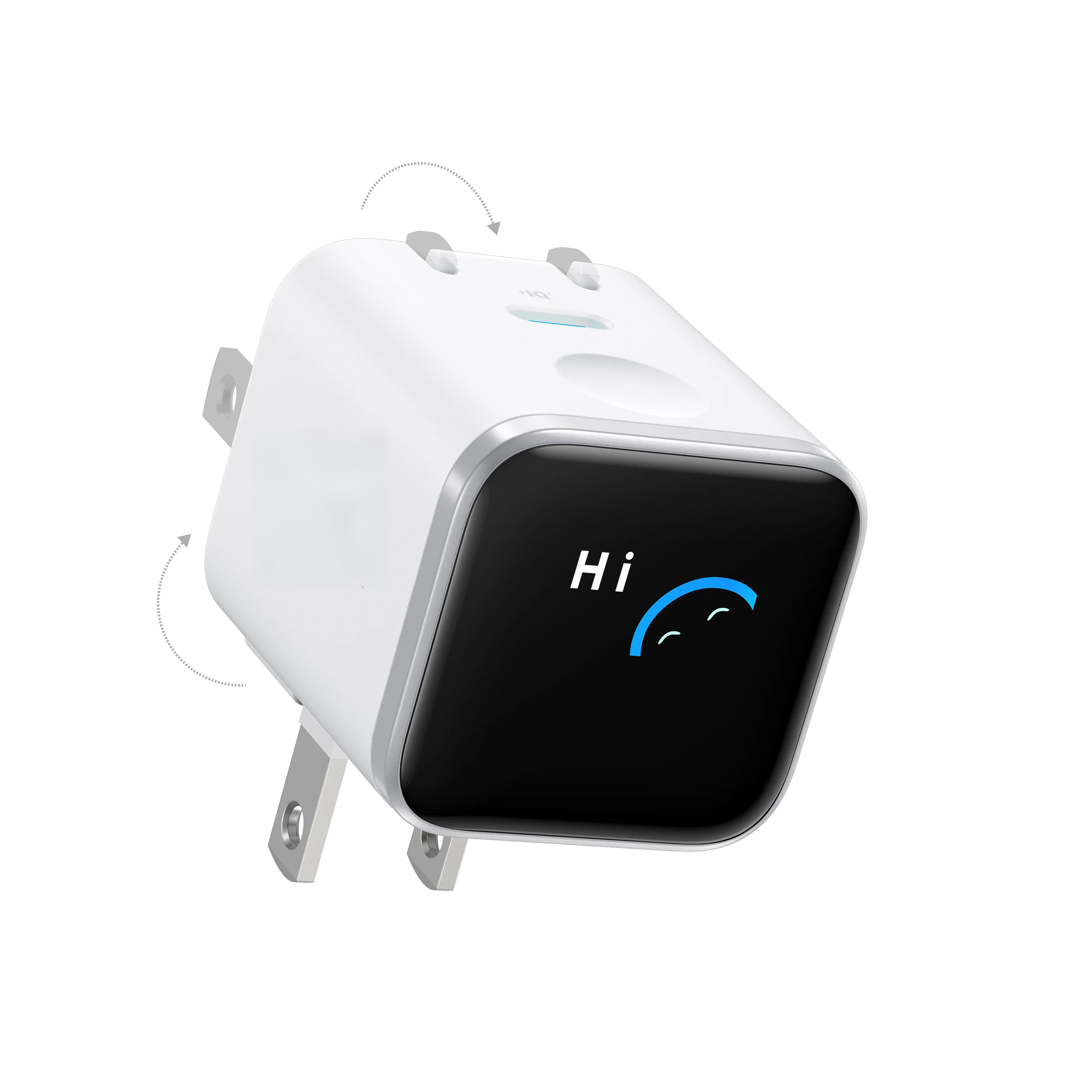
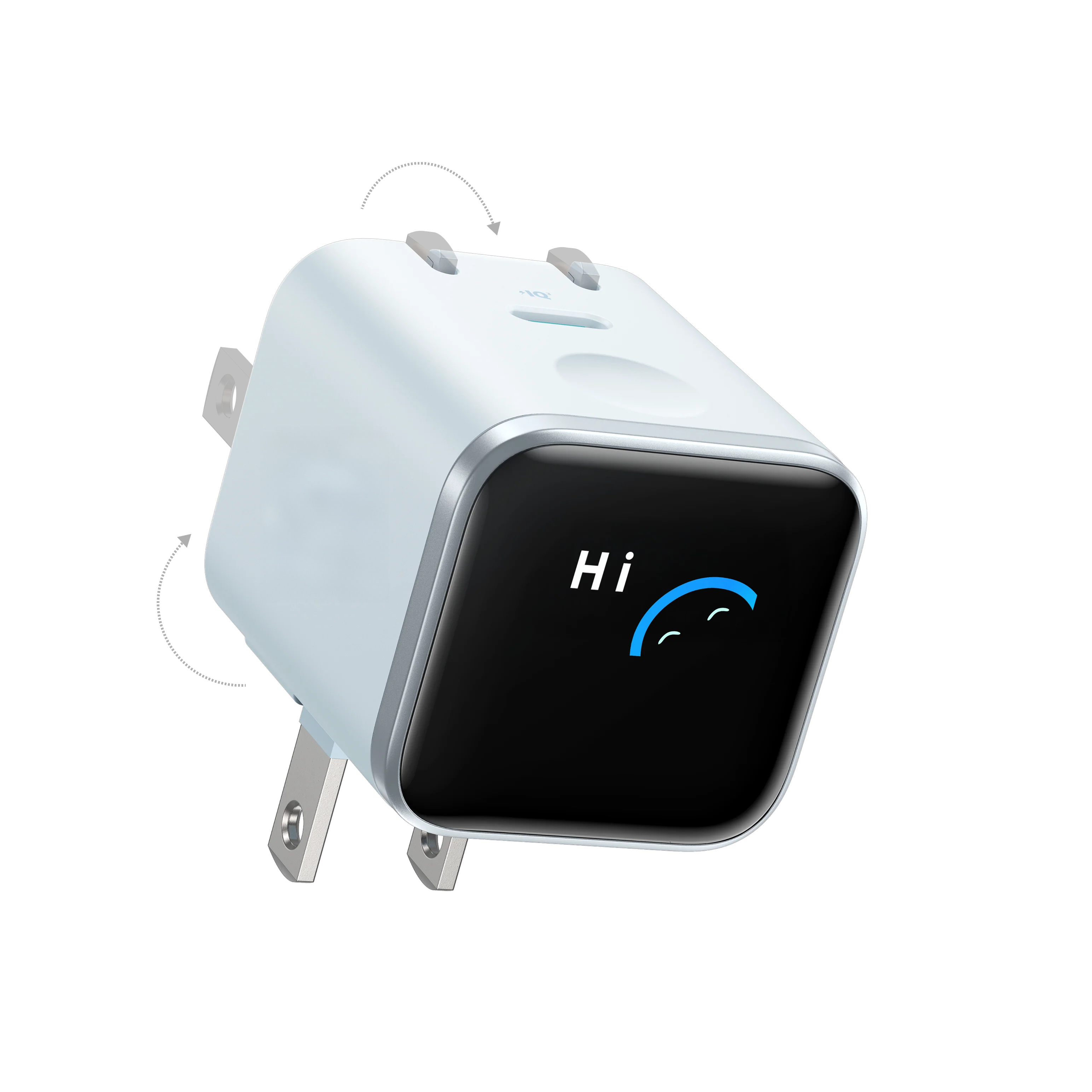
- Smart iPhone Recognition with Care Mode
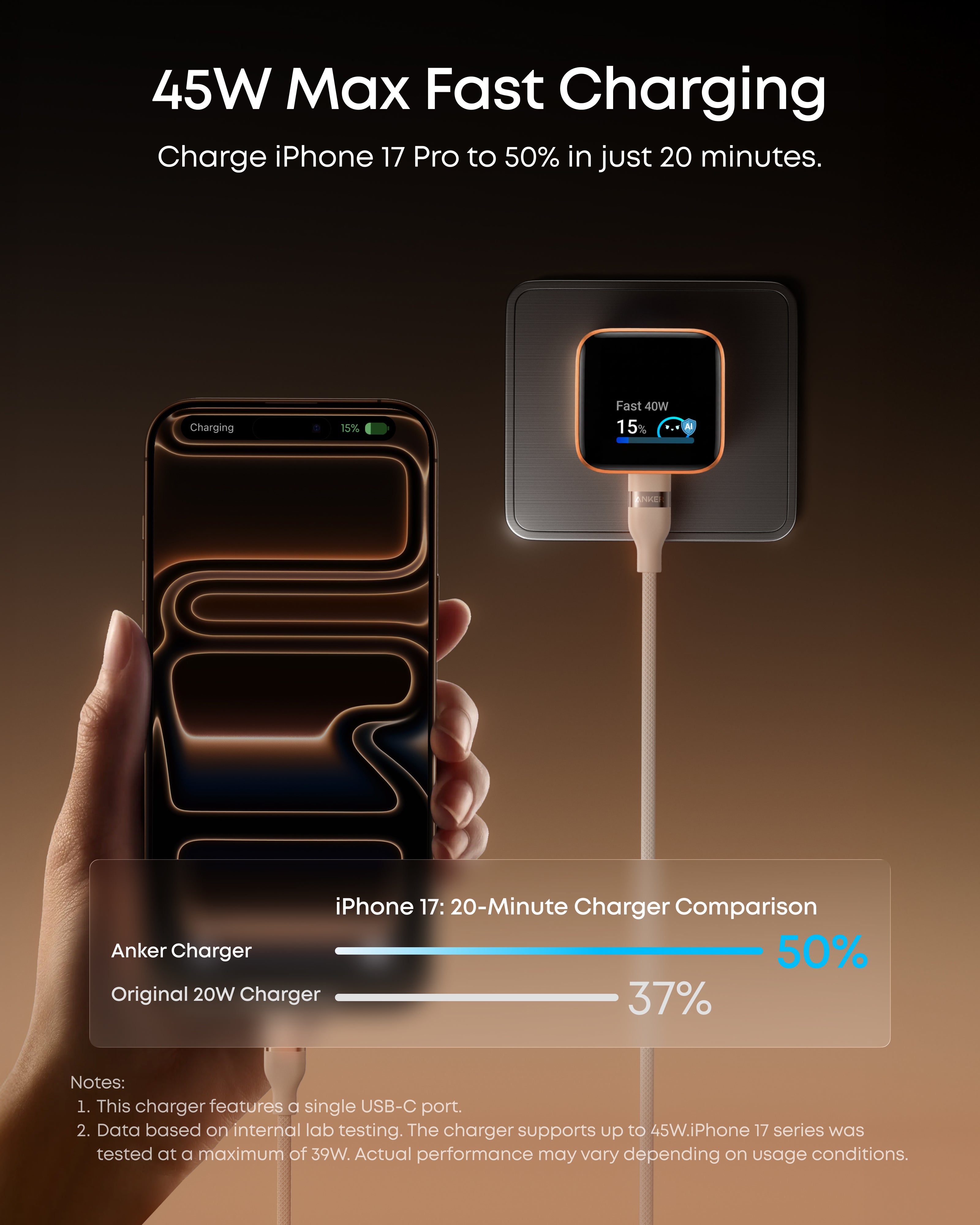
- 45W Max Fast Charging with Smart Power Adjustment
- Extends Battery Life
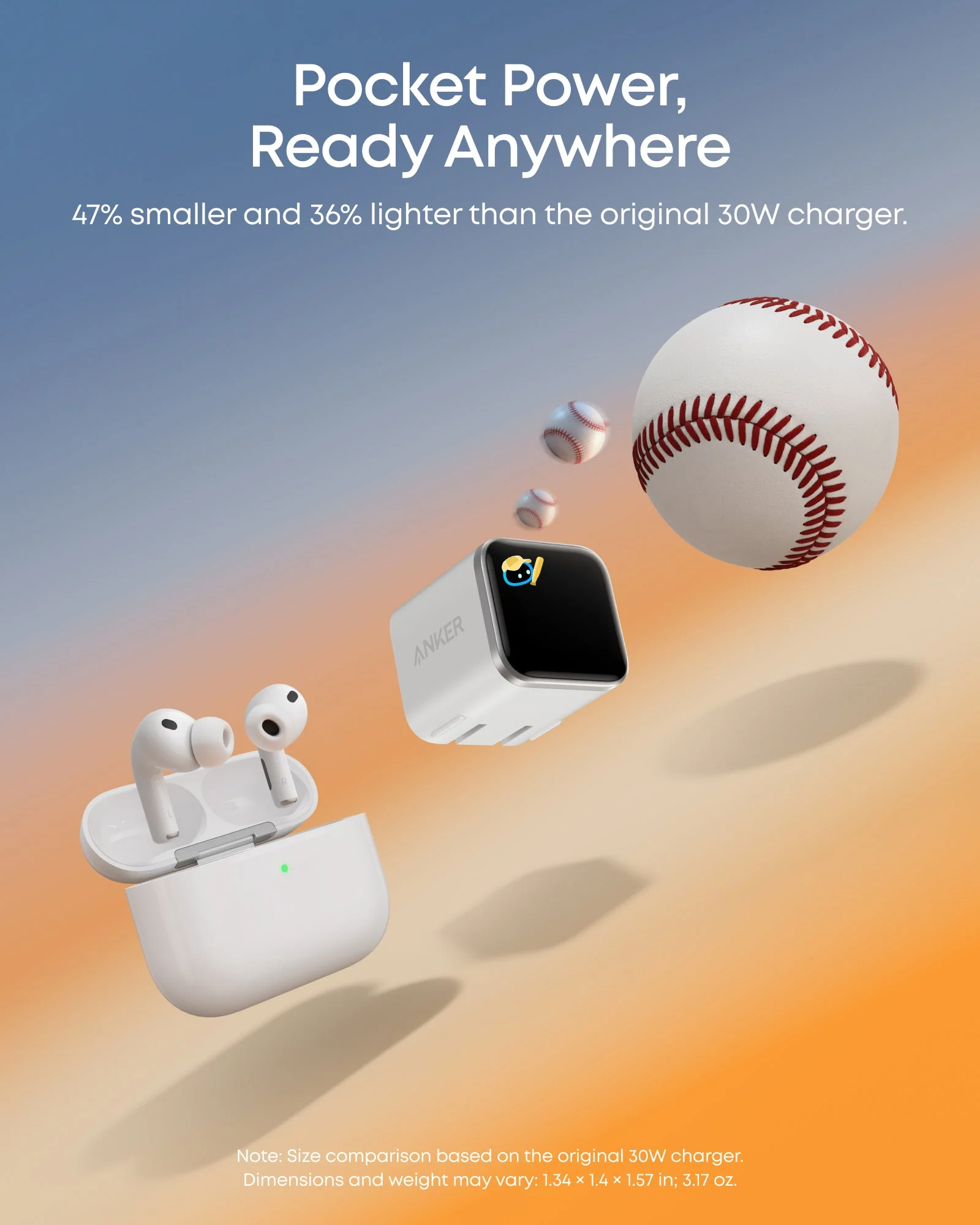
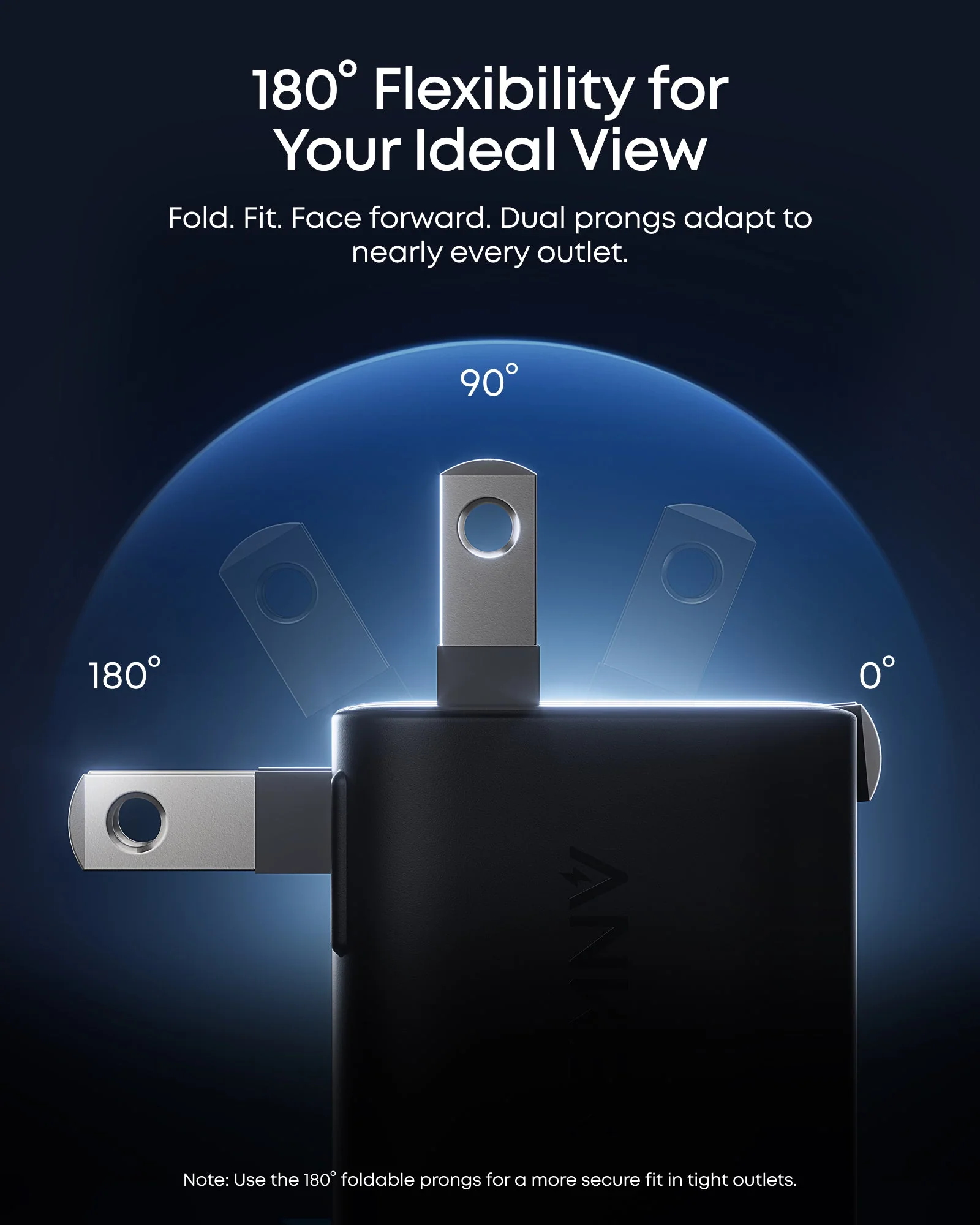
- Pocket Size with Dual Foldable Prongs
 Fast, Free Shipping
 30-Day Money-Back Guarantee
 Hassle-Free Warranty
 Lifetime Customer Support
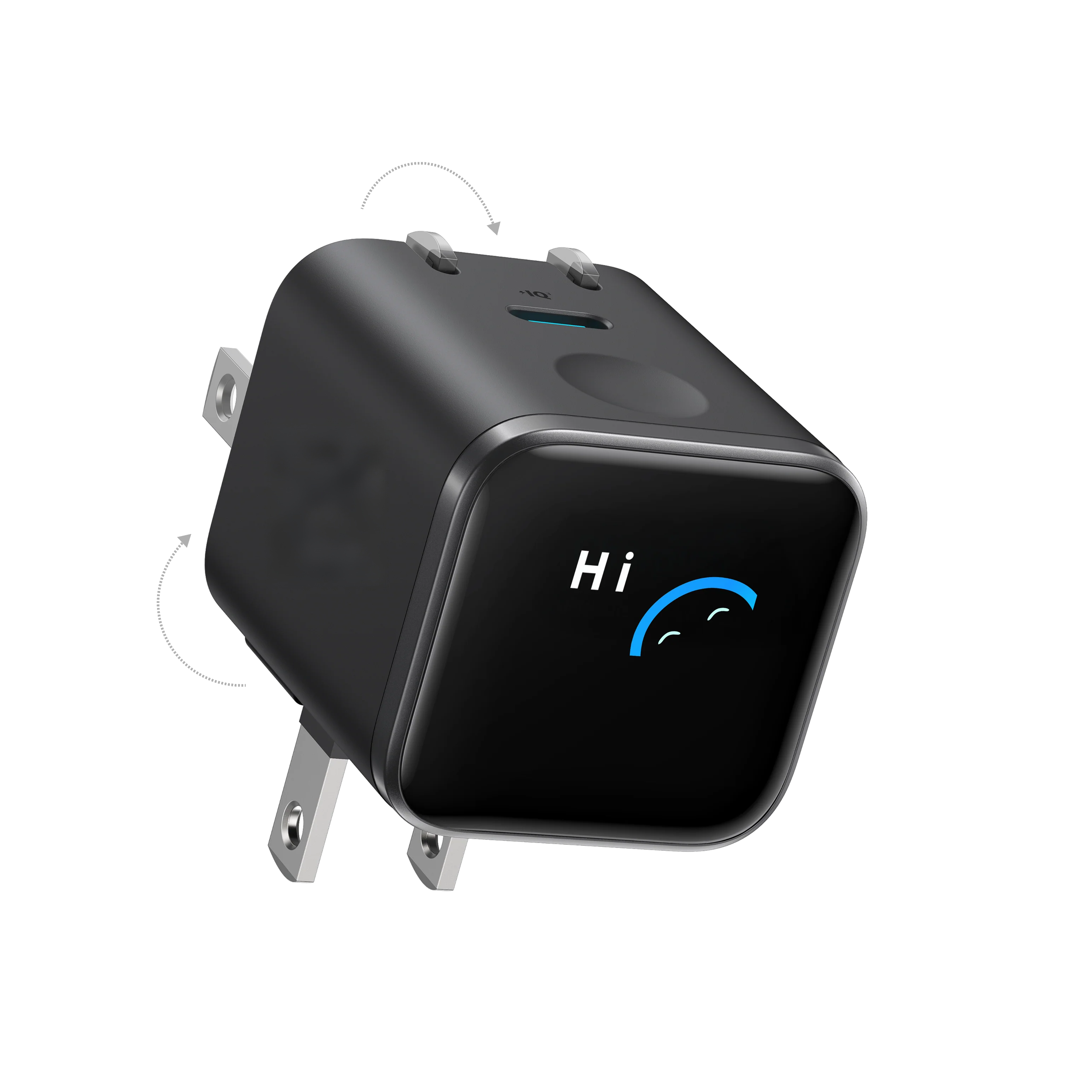
The World's First Smart Display Charger
That Knows Your iPhoneAnker Nano Charger(45W, Smart Display, 180° Foldable)


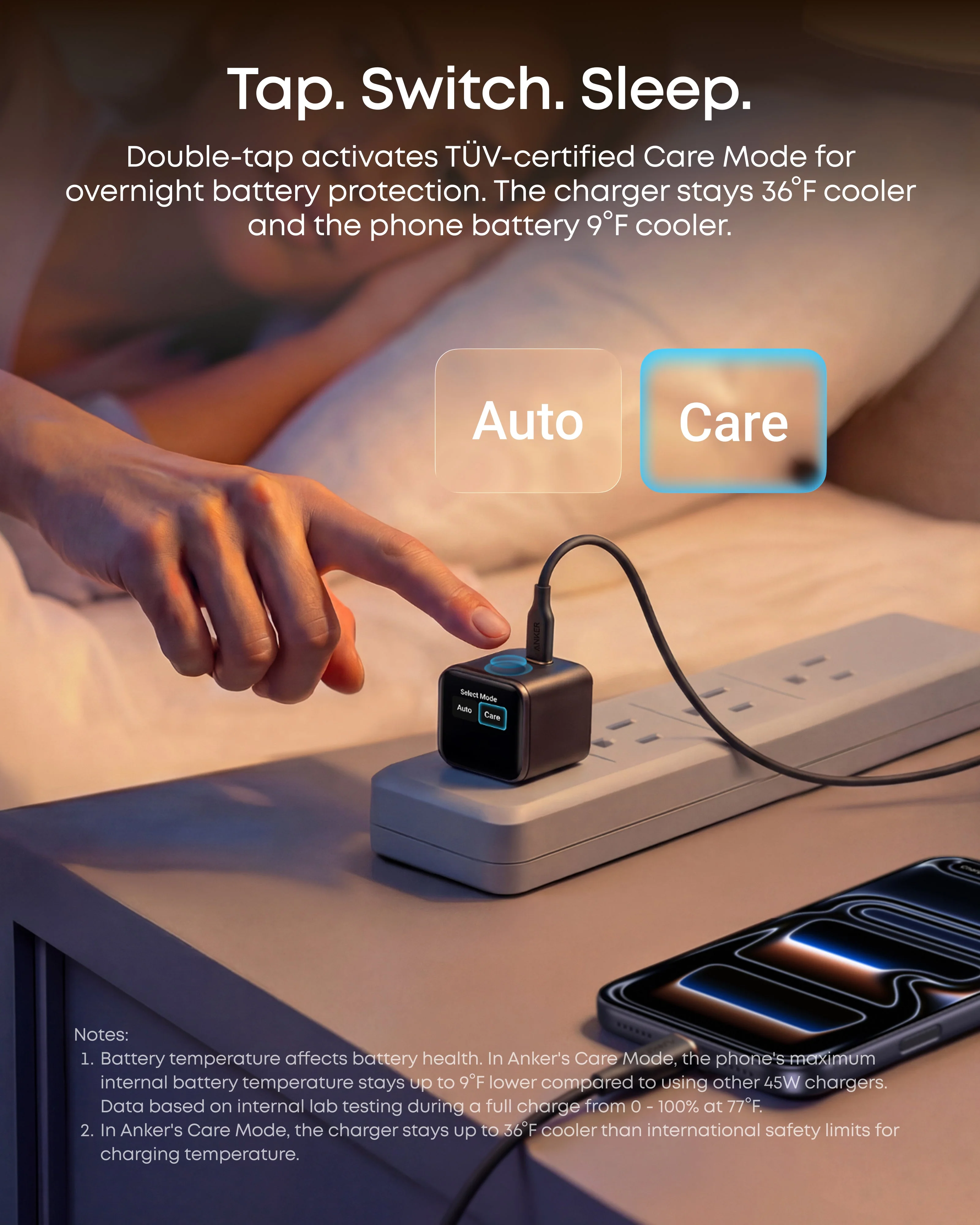
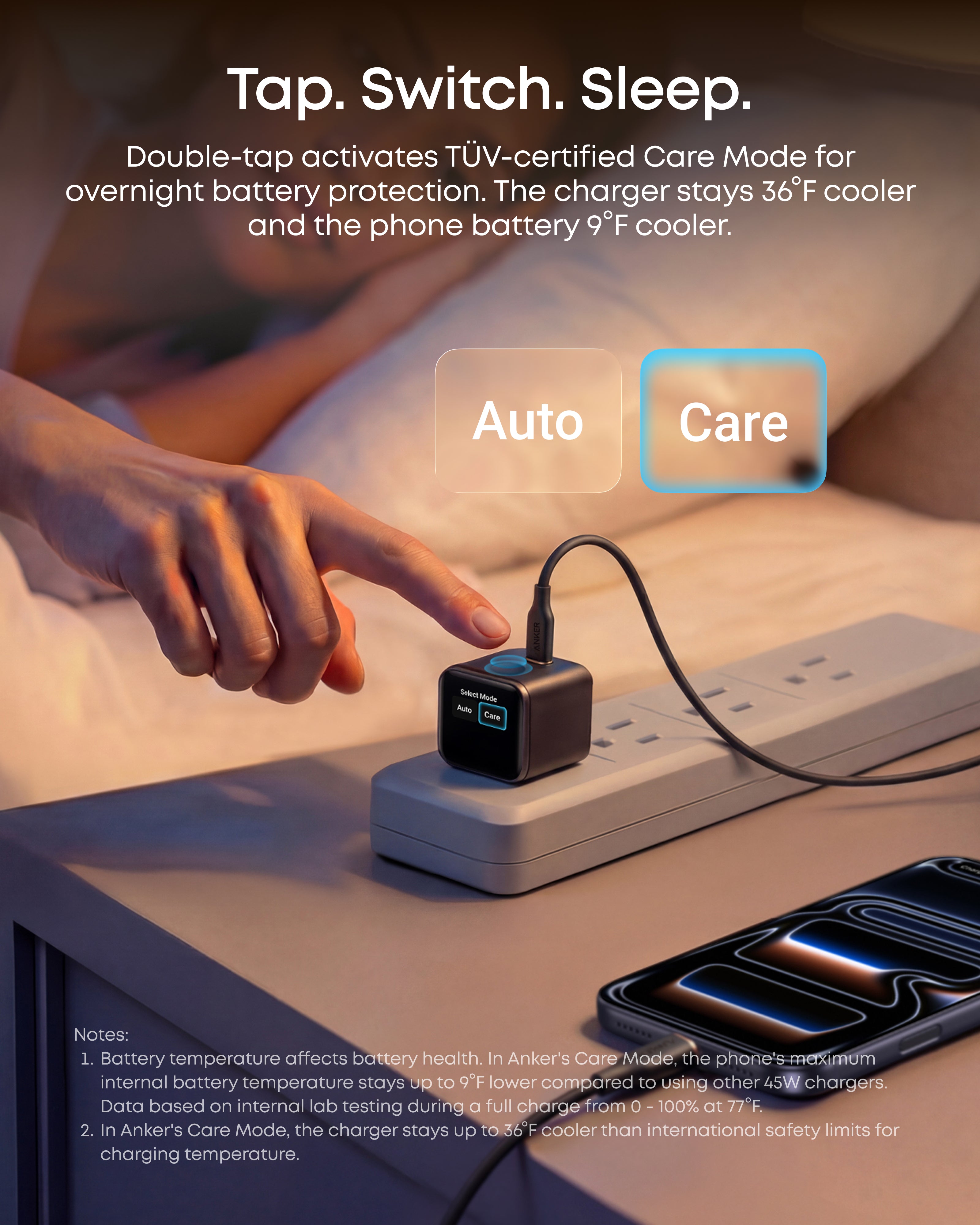
TÜV-Certified Care Mode
The charger is designed to better protect your device and help extend battery life.

Notes:
1. Battery temperature affects battery health. In Anker's Care Mode, the phone's maximum internal battery temperature stays up to 9°F lower compared to using other 45W chargers. Data based on internal lab testing during a full charge from 0 - 100% at 77°F.
2. In Anker's Care Mode, the charger stays up to 36°F cooler than international safety limits for charging temperature.
Pack Light.
Charge Right.

Specifications

Anker Nano Charger
(45W, Smart Display, 180° Foldable)

Anker Nano Charger
(45W) with USB-C to USB-C Cable
Total Output (Max)
45W
Total Output (Max)
45W
Single Port Output (Max)
USB-C Port: 45W
Single Port Output (Max)
USB-C Port: 45W
Ports and Connections
1× USB-C
Ports and Connections
1× USB-C
Anker InstaCord
/
Anker InstaCord
/
Data Transfer (Max)
/
Data Transfer (Max)
/
Dimensions
1.34 × 1.38 × 1.57 in
(3.4 × 3.5 × 4 cm)
Dimensions
1.26 × 1.3 × 1.45 in
(3.2 × 3.3 × 3.69 cm)
Weight
2.65 oz (75 g)
Weight
Charger: 2.11 oz (60 g)
Cable: 2.05 oz (58 g)
Safety Feature
ActiveShield 5.0
Safety Feature
ActiveShield 3.0
MagSafe-Compatible
/
MagSafe-Compatible
/
MFW Certification
/
MFW Certification
/
FAQ
-
Why isn't my device name appearing on the display (e.g., "iPhone" is missing)?
This feature is optimized for iPhone 15 and later models. If you use older iPhones or other devices, the specific model name may not appear. This is a display limitation only; charging will still proceed normally at full speed.
-
Why doesn't the battery level show up for my older iPhone (Lightning port)?
Real-time battery level display requires USB-C communication protocols, which are exclusive to iPhone 15 and later. Older iPhones with Lightning ports will still fast charge, but the screen will not display the battery percentage.
-
Is it normal for the charger to get warm while charging?
Yes, this is normal. High-speed 45W chargers generate more heat than slower models. However, our built-in Care Mode and Intelligent Temperature Control keep heat well within international safety standards for safe daily use.
-
Why does the screen show a generic name like "iPhone" or "iPad Pro M"?
This depends on iOS software recognition. Please update your device to the latest version. If the full name still doesn't appear, it is a normal system variation and does not affect charging performance.
-
How is this "Smart Charger" different from a standard 45W charger?
Standard chargers deliver a fixed power rate, often causing excess heat. This Smart Charger uses AI to adjust voltage and current in real-time. It balances speed and safety, ensuring your device gets the maximum 45W output it can handle without overheating.
-
What exactly does the smart display show?
The rotating smart display provides a live view of your charging status, including:Real-time Wattage: Current charging speed.Status Icons: Like a smiley face for healthy charging.Battery Progress: (For compatible devices).Auto-Rotation: The screen rotates to remain readable in both 90° and 180° modes.
-
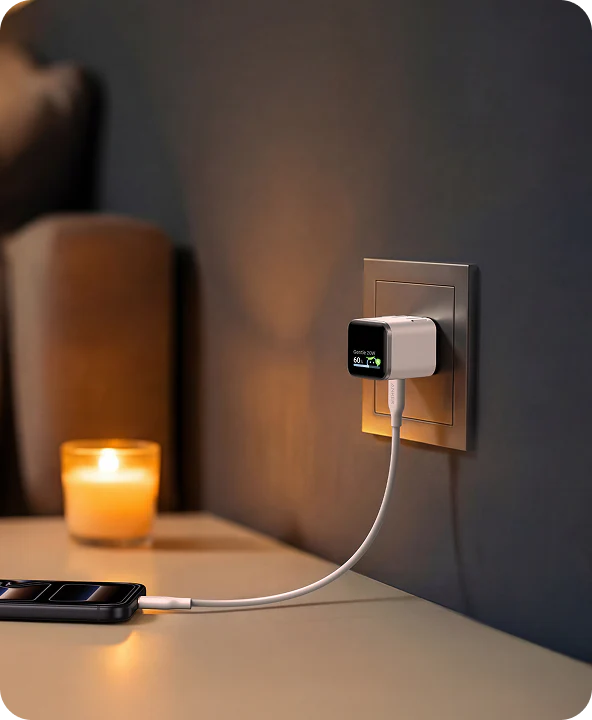
Is this charger suitable for overnight charging?
Absolutely. It features a TÜV-certified Care Mode that actively lowers temperatures after the initial fast-charging phase. This reduces battery stress, making it ideal for protecting long-term battery health overnight.
-
Does the foldable plug work for both travel and tight spaces?
Yes. The dual-foldable plug locks into two positions:90° Mode: Functions like a standard cube charger. 180° Mode: Lays flat against the wall to fit behind sofas or beds. Fully Folded: Prongs fold flat for pocket-sized travel storage.
-
Does this charger come with a cable?
No. The box includes the charger only. For best results, use:USB-C to USB-C Cable: For iPhone 15/16/17 and Android.USB-C to Lightning Cable: For iPhone 14 and older.